
📋 User management: Assigning and changing group memberships
This article is a short guide for administrators on how to assign user accounts to one or more groups or change memberships via the user management.
A user account can belong to one or more groups.
Assigning group memberships
Group memberships can be adjusted in the user management.
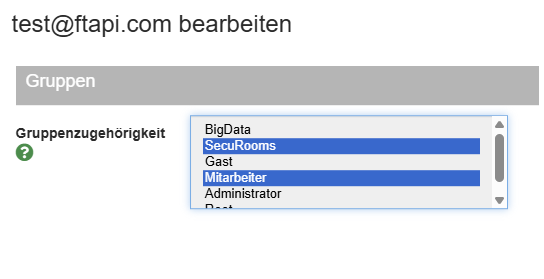
To assign multiple groups to a user, hold down the CTRL key (Windows) or the CMD key (Mac) while making your selection.