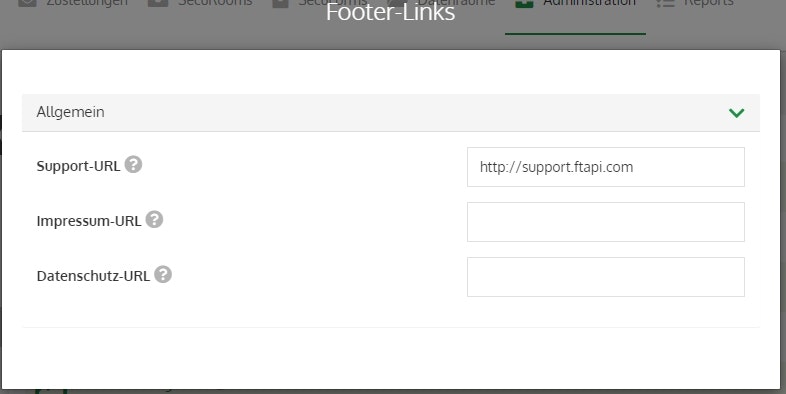
📋 Footer Links
In the “Footer Links” option, you can set up the corresponding redirects.
Support URL
Here you can enter the URL to which a user is redirected when they click the "Support" button in the bottom right of the web interface. If desired, an email address can also be entered here. Please use the following format:
mailto:example@email.com
Legal Notice URL
Here you can enter the URL to which a user is redirected when they click the "Legal Notice" button in the bottom right of the web interface.
Privacy Policy URL
Here you can enter the URL to which a user is redirected when they click the "Privacy Policy" button in the bottom right of the web interface. The links in the website footer are only displayed if a URL has been entered.
Info about SubmitBox
The settings are also applied to the links in the footer of the SubmitBox start page ("Create SubmitBox ticket").