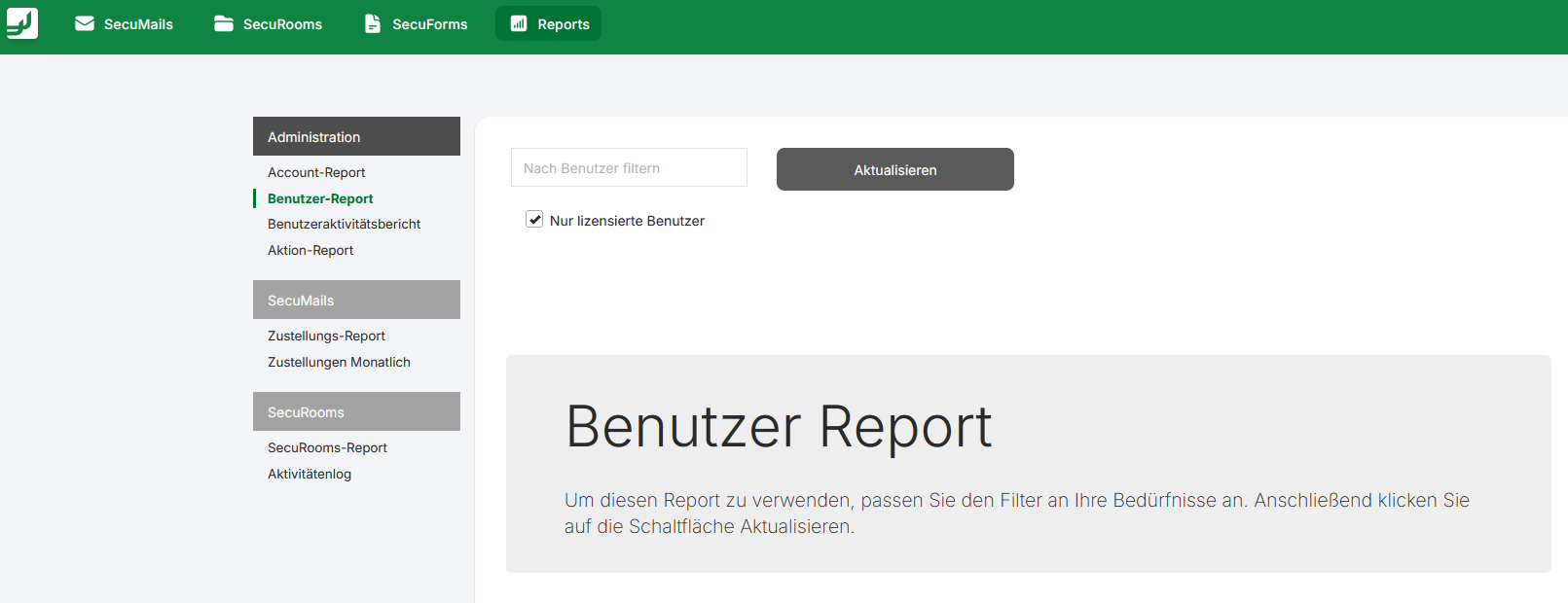
❓ Reports: The user report for an overview of all accounts
What is the user report used for?
The user report is a central tool for administrators to obtain a detailed overview of all users registered in the FTAPI system. It provides valuable information for managing licenses, monitoring storage consumption, and tracking user activity. With this report, you can optimize resource usage and ensure compliance with internal policies.
Contents of the user report
The report is structured in a tabular format and contains a variety of useful information for each individual user. An important enhancement to the report is the "Groups" column, which shows at a glance which group a user is assigned to. The performance of the report has also been optimized to enable fast and reliable generation even with large amounts of data.
| Column header | Description |
|---|---|
Address | The email address of the registered user. |
Username | The unique login name of the user in the system. |
Used storage | Shows the storage space currently occupied by the user. This includes, for example, the storage for sent deliveries. |
User creation date | The date on which the user account was created in the system. |
Last login | Shows the date and time of the user's last successful login. |
Identity Provider | Indicates which identity provider (e.g., DB, SAML, LDAP) the user authenticates through. |
Language | The language set for the user account (e.g., de, en). |
Groups | Lists the user groups to which the user is assigned. |
Accessing the report
Administrators can access the user report by navigating in the main navigation to the Reports tab and then to the Administration > User report section.