📋FTAPI SecuRooms: Watermarks
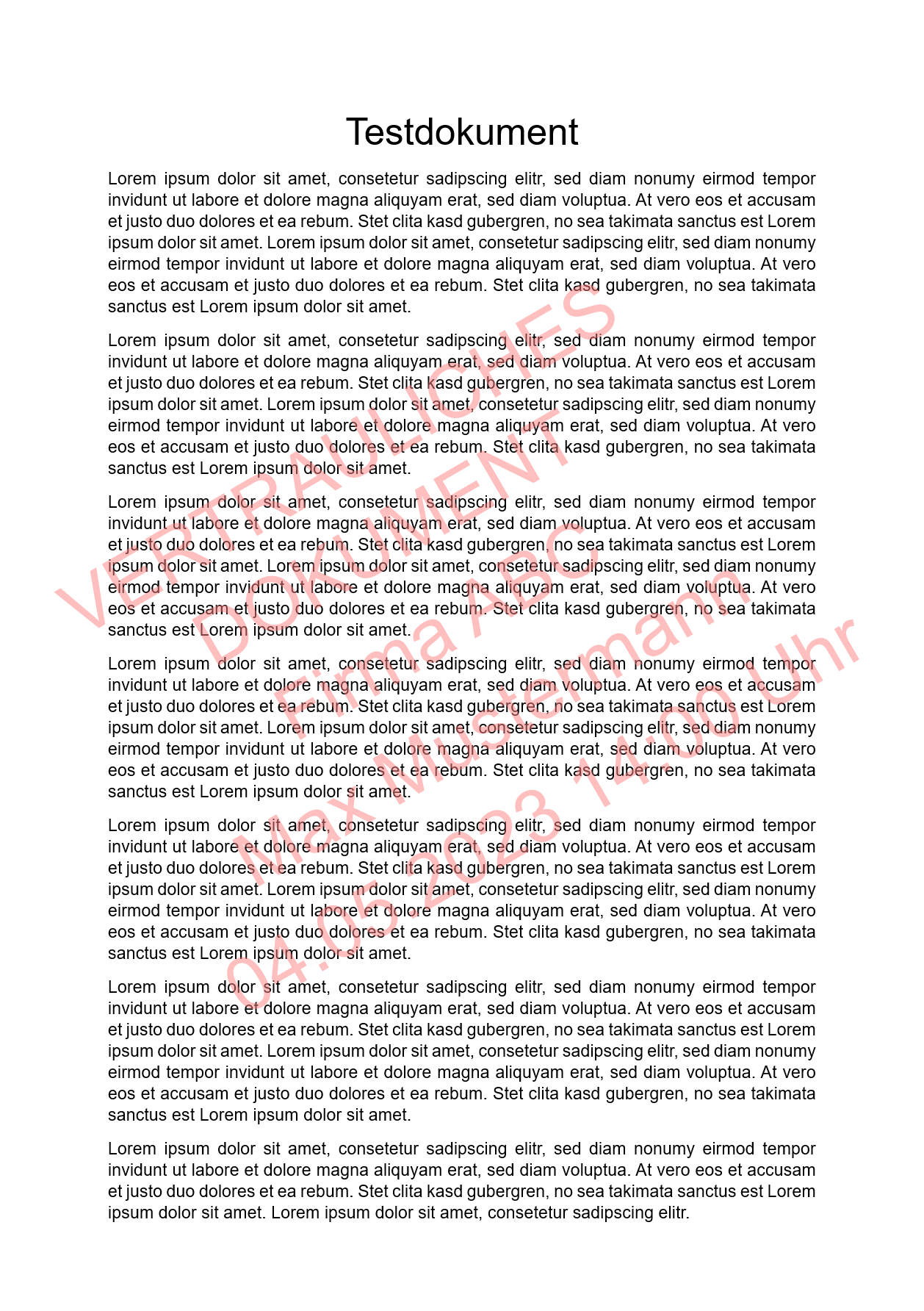
This article explains how to make files in FTAPI SecuRooms even more secure by adding a watermark to the file preview.
What is this about?
When sharing data rooms, four access roles with corresponding permissions are available. With the new security setting, a watermark can be added to the file preview for the Viewer without download access role. This significantly increases the protection of confidential content during viewing.
Administrators can enable or disable this security setting globally for the Viewer without download access role.
Further information
- Configuration: New global server setting – 'Watermark in SecuRooms' (On / Off)
- When enabled:
- Watermark with dynamic content: Dynamic text:
active user+timestamp - Watermark appears in the file preview for users with the
Viewer without downloadaccess role - Watermark is not present in the downloaded file for users with other access roles (e.g., Editor)
- Watermark with dynamic content: Dynamic text:
Example view