📋 FTAPI Trust Networks – Function & Process
What is FTAPI Trust Networks (FTN)?
FTAPI Trust Networks (FTN) connects organizations that regularly exchange data with each other. This creates a shared, secure network for seamless and trustworthy data exchange – without complicated additional steps for the participants.
How does data exchange with FTN work?
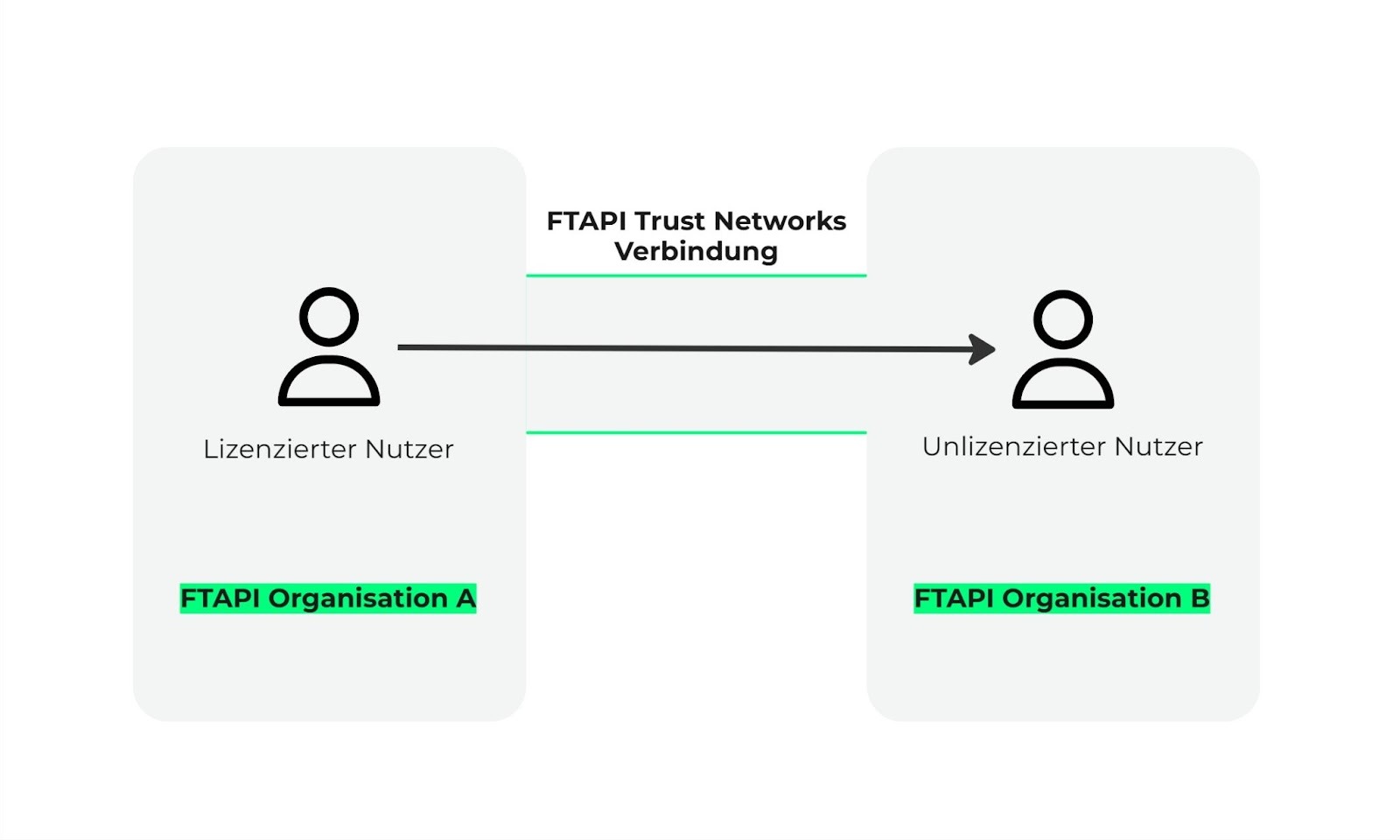
Licensed users of the connected organizations can send files directly and securely to the other organization.
A guest account in the sender's FTAPI system is no longer required for this.
The message or file is provided to the recipient immediately as an FTAPI delivery in their own FTAPI user account.
How does FTN work if the recipient is not yet a user?
If a user sends a file to a person from a connected organization for whom no user account exists yet, a new user account is automatically created for the person in the receiving organization's system.
The following applies:
User group and licenses
When setting up FTAPI Trust Networks, the administrator determines which user group new users are automatically assigned to.
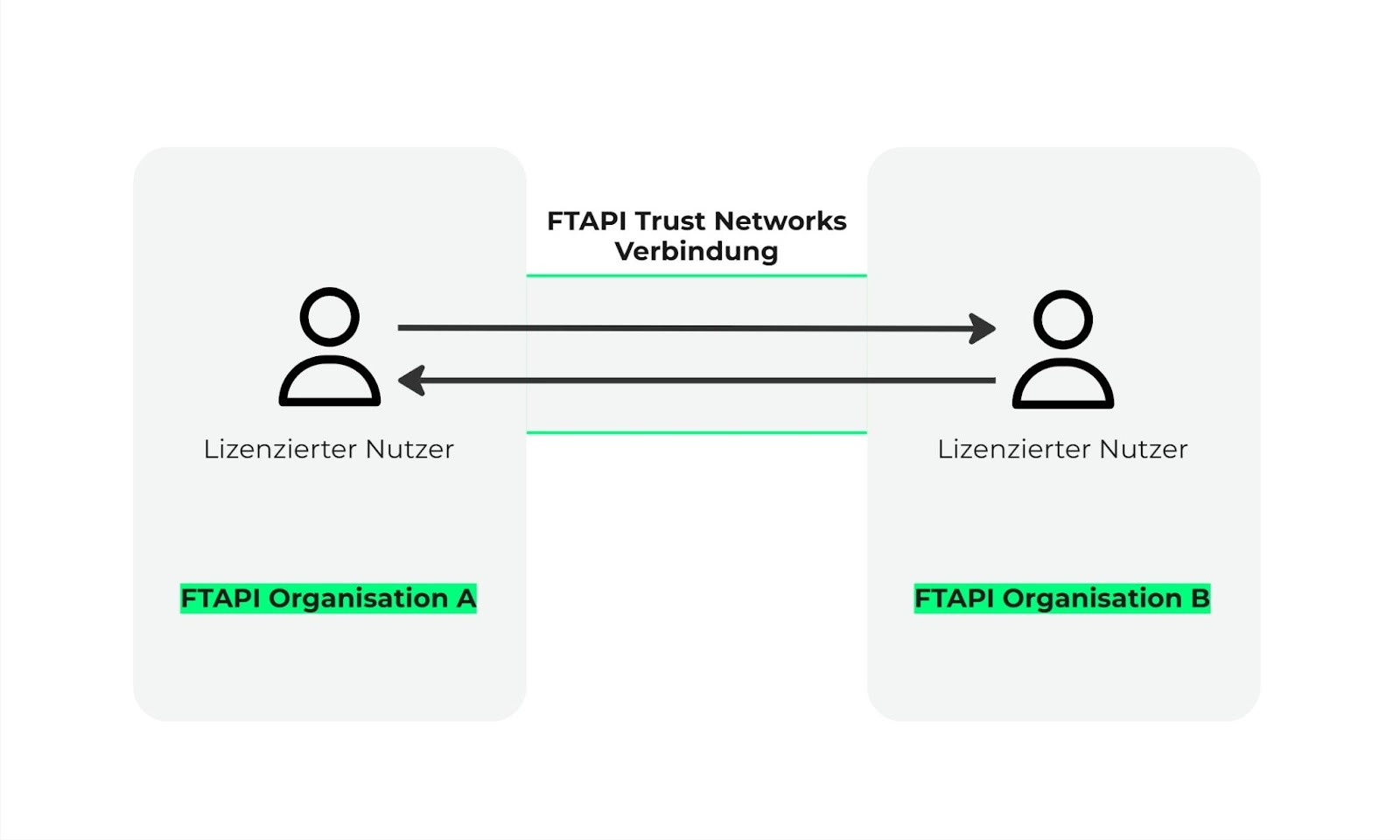
Case 1: The new user belongs to a license-required user group (e.g., Employee)
- The recipient can view and download the message as well as files.
- They can also reply and thus actively participate in the data exchange.
- Important: If no more licenses are available, the user automatically receives a time-limited Trial license. The administrator can perform an upgrade at any time.
Case 2: The new user belongs to a license-free user group (e.g., Guest)
- The recipient can view and download the message as well as files.
- Due to the lack of a license, replying is not possible.