
📋 Delivery: Configuring cleanup at the group level
Configuring delivery cleanup
Delivery cleanup is configured at the group level and automatically deletes deliveries the night after their validity period expires.
Additionally, it can be determined whether group members are allowed to independently reduce the validity period.
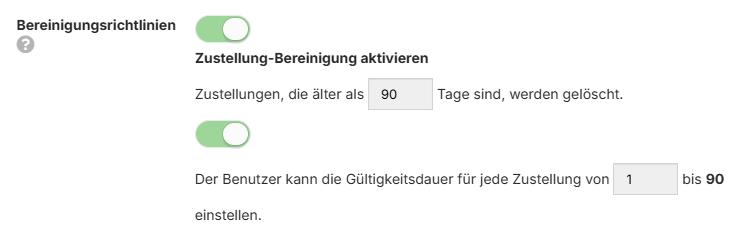
If the cleanup policy is disabled, deliveries remain valid indefinitely and no cleanup takes place. In such cases, deliveries may need to be deleted manually by the user.
Expired deliveries
An expired delivery can still be found in SecuMails under "Sent", but the attached files have already been deleted from the server and can no longer be downloaded (the button is grayed out).
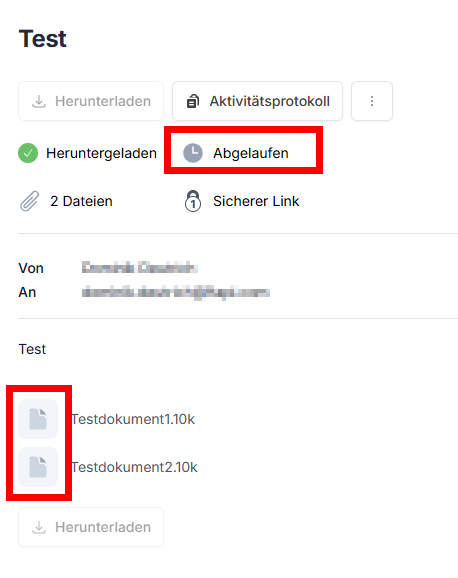
Manually deleting expired deliveries has no impact on the storage quota, as the attached files have already been deleted from the server. The occupied storage space was already released at that time.