
🎓 Getting Started as an FTAPI Admin
First topics to be covered:
- Getting to know the products of the FTAPI platform
- Admin Basic: Creating a user in the system
FTAPI SecuMails
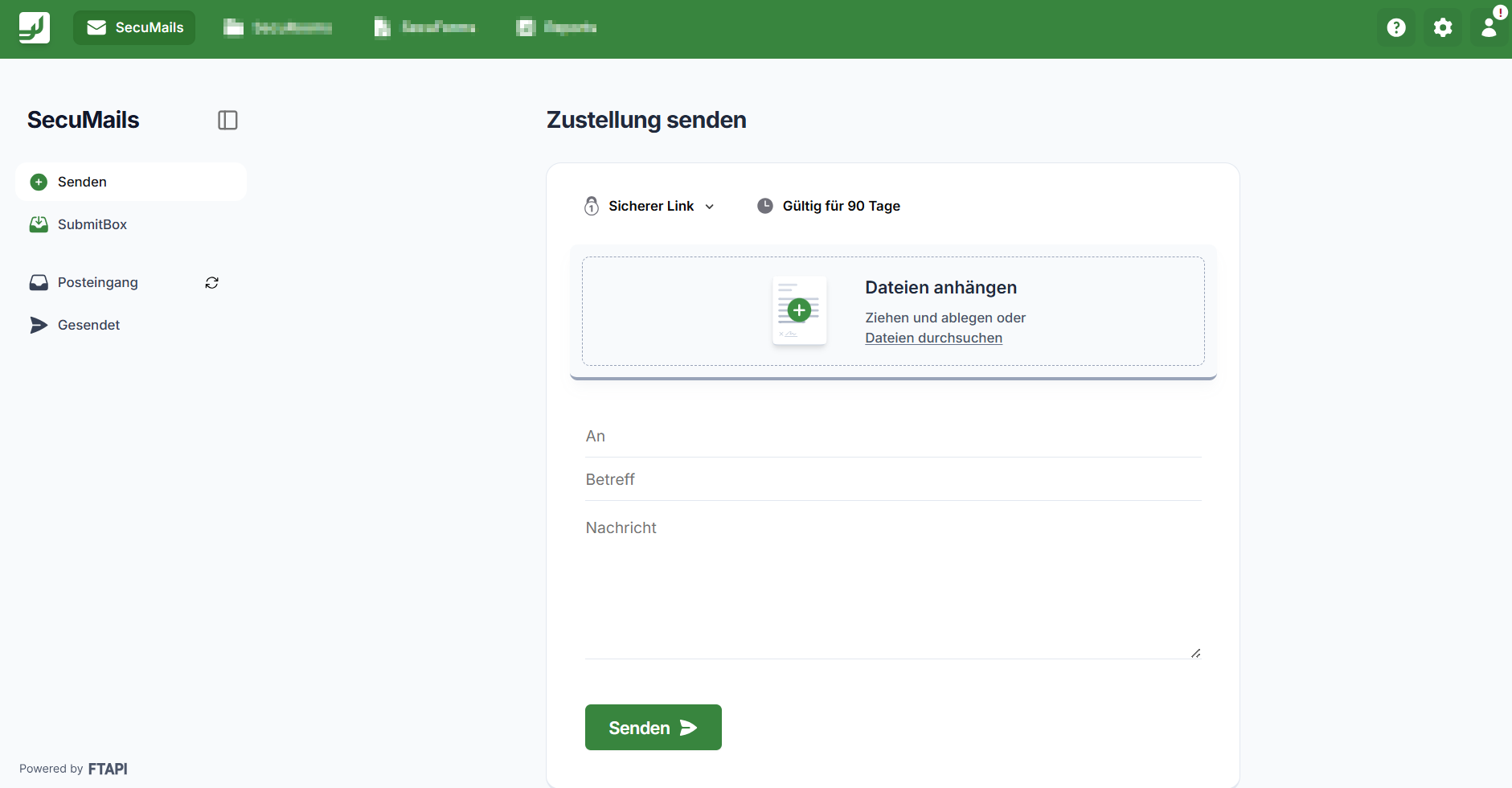
SecuMails is the FTAPI solution for the secure sending and receiving of messages/files. Large files can also be sent securely with it.
For everyone using Outlook, FTAPI offers a seamless integration with the Outlook Add-in. If Outlook is not available, secure sending can easily be done via the internet browser (WebUI).
Using the interactive product tours, you can see how quickly and easily data can be sent securely with FTAPI:
1. Secure sending via FTAPI Outlook Add-in >>Start product tour<<
2. Secure sending via FTAPI WebUI >>Start product tour<<
Additionally: Information and explanations regarding FTAPI security levels can be found in this article. Go to article.
Quick guides for users can be found in the following section for download.
Go to download section.
FTAPI SubmitBox
The FTAPI SubmitBox is comparable to a digital mailbox. External persons can use it to submit data to the owner of the SubmitBox securely and without registration. Only the address (= SubmitBox link) is required for submitting data.
The link to the SubmitBox can be integrated in various places:
- Email signature
- Website
The use of the SubmitBox is explained in the interactive product tour:
FTAPI SecuRooms
SecuRooms are the virtual data rooms from FTAPI for secure file sharing.
The use case and the functional scope of the SecuRooms can be understood in the interactive product tour:
>>Start product tour<<
The access roles for SecuRooms can be found in this article. Go to article.
Guides for users can be found for download in this section. Go to download section.
FTAPI SecuForms
SecuForms are the secure forms from FTAPI.
A general overview of FTAPI SecuForms and an insight into how quickly and easily they can be configured and created can be found as a PDF download. Go to download section.
FTAPI SecuFlows
With SecuFlows, sensitive data workflows can be securely digitized and automated.
What does that mean? All recurring tasks and business processes that have anything to do with data processing (collecting data, exchanging data, further processing data) can be mapped and automated with SecuFlows.
It does not matter which systems the data resides in; the connection is made quickly and securely by the FTAPI Technical Implementation Team.
To learn more about this topic, simply book a free discovery workshop on automation processes. There, potentials will be uncovered together with our experts and an initial assessment will be made.
Book an appointment for a discovery workshop
Creating users in the system
Users can be created quickly and easily in the administration.
And this is how manual user creation works in the FTAPI system:
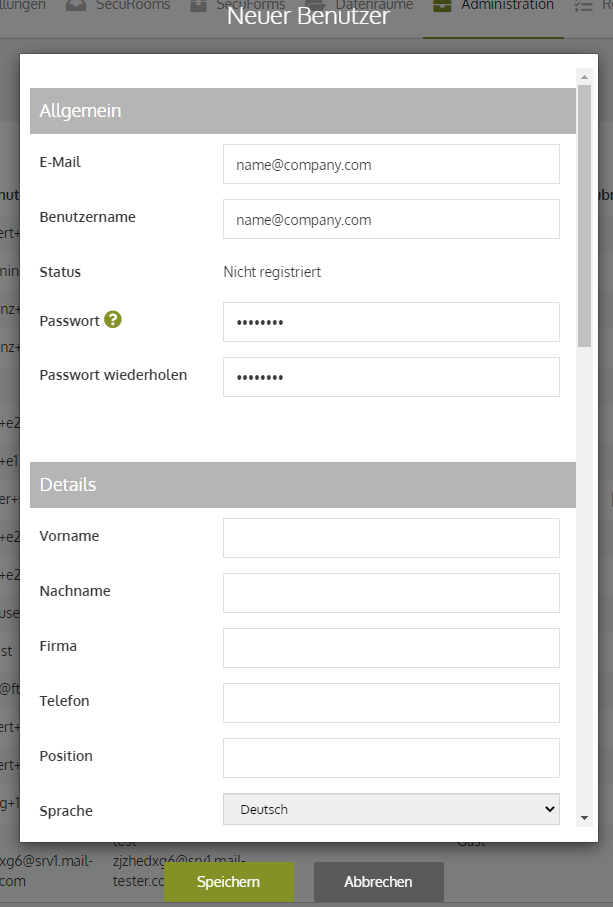
- Navigate to the "Administration" tab in the FTAPI web interface.
- Click the "New user" button.
- The following information must be provided to create new users:
- Email, username, password.
- In the "Administration" area, the option "Force new password" can be enabled/disabled.
- In the "Notification" area, the option "Send access data" can be enabled/disabled.
- In the "Two-factor authentication for registration" area, the option "Two-factor authentication active" can be enabled/disabled.
Do you want user creation to be automated? FTAPI offers an interface for common identity providers (Azure AD, ADFS). Simply contact the Customer Success Team to learn more about how the interface can be used.
"Getting Started" section completed!
Congratulations, the "Getting Started" section has been successfully completed!