
📋 IEE Dashboard: Review applied email encryption methods
What is the IEE Dashboard?
The IEE Dashboard is an area in FTAPI that gives you as an administrator an overview of the encryption methods the gateway automatically applies to outgoing emails. It shows the methods S/MIME, PGP, TLS and SecuMails including the security level, as well as emails sent unencrypted.
Access and visibility
You can open the IEE Dashboard in FTAPI via Reports > IEE. The area is visible only to administrators with the corresponding system administration permission and is enabled by a feature flag.
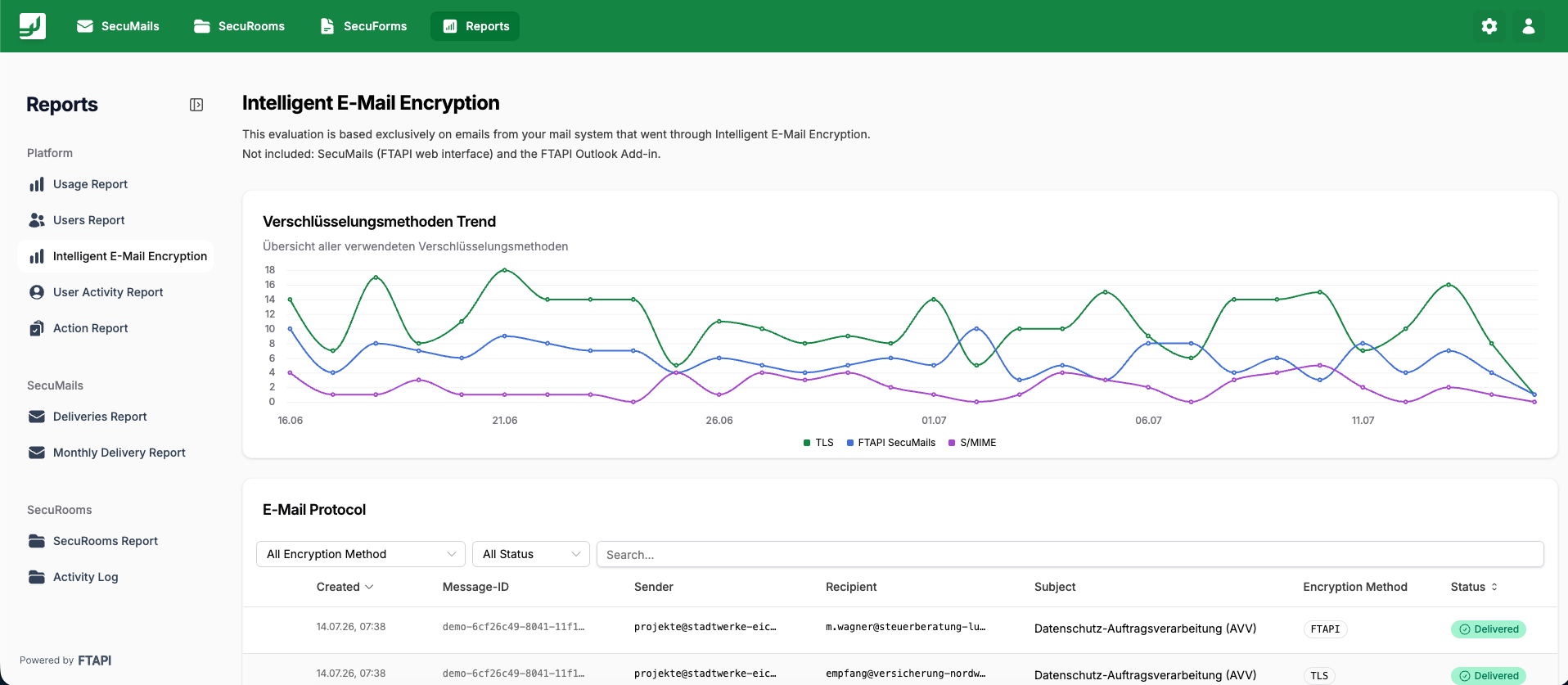
"Encryption methods trend" chart
The line chart shows the encryption methods used over time. A legend maps each color to a method. The chart displays real gateway data and provides a meaningful view even when there is little or no data.
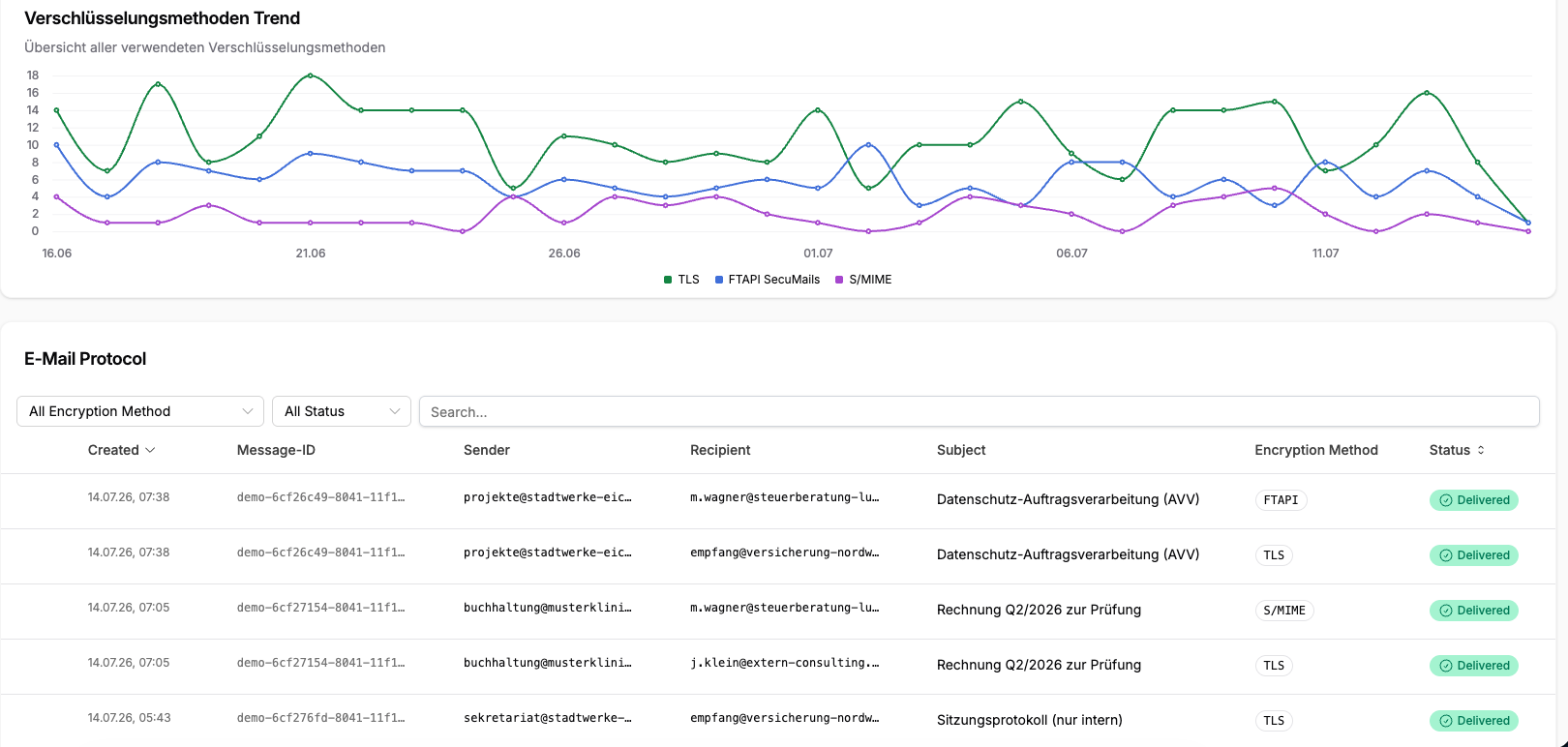
Email Protocol table & export
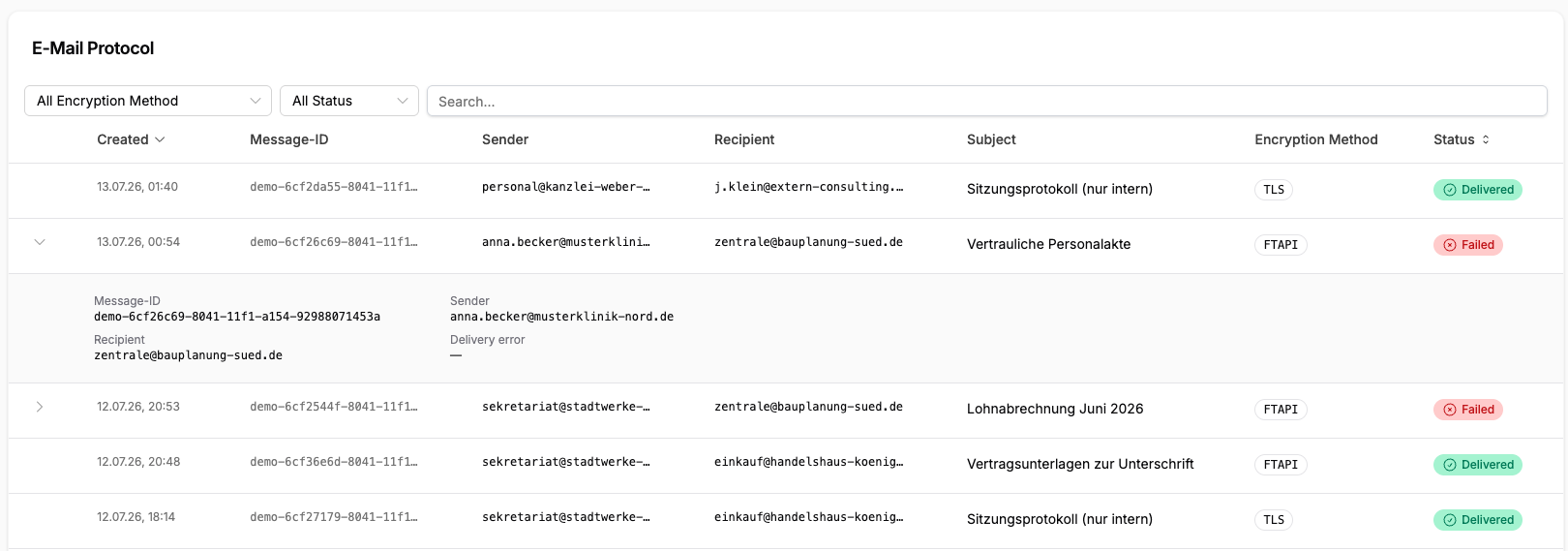
Table
The table contains one row per processed outgoing email or recipient. Encryption is reported per recipient. It shows the columns Timestamp, Sender, Recipient, Subject, Encryption method and Status.
You can sort the table, filter by Encryption method and by Status, and search by sender, recipient or subject. The pagination lets you choose the page size.
Clicking an entry opens a detail view with additional information. In the case of an error, the detail view also contains the message ID, the sender, the recipient and the bounce reason.
The method and security level shown in the email log is the encryption that was actually applied, not the desired configuration.
Export
Use the “Export Report” button in the email log to download the log entries as a CSV file, with up to 500,000 entries per export. This allows you to further process analyses and reports outside of FTAPI.