
📋 SecuPass: Resetting end-to-end encryption
Note: Resetting SecuPass & end-to-end encryption
Resetting the SecuPass / end-to-end encryption can only be performed by an administrator, e.g., if the user has forgotten their SecuPass.
Note: Resetting the SecuPass / end-to-end encryption means that the user can no longer access security level 3 & 4 deliveries or data rooms with end-to-end encryption. After the reset, the user must set up the SecuPass and end-to-end encryption again and subsequently request all data again.
How to: Resetting SecuPass & end-to-end encryption
A prerequisite for an administrator to be able to reset the SecuPass / end-to-end encryption is that the following global setting is configured for the system:
- Navigation:
Administration > System > Security SecuPass reset for administrators= activated
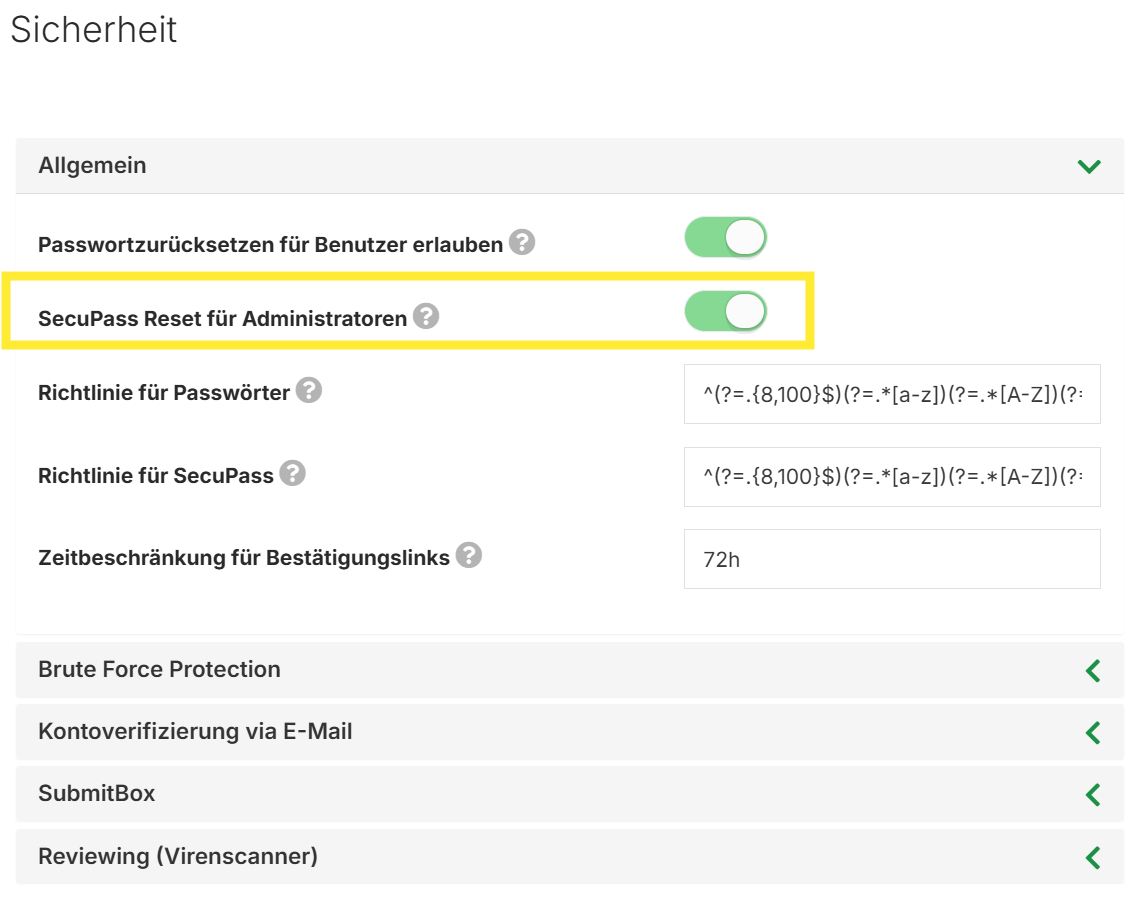
To reset the SecuPass for a user, the administrator navigates in the FTAPI interface as follows:
- Navigation:
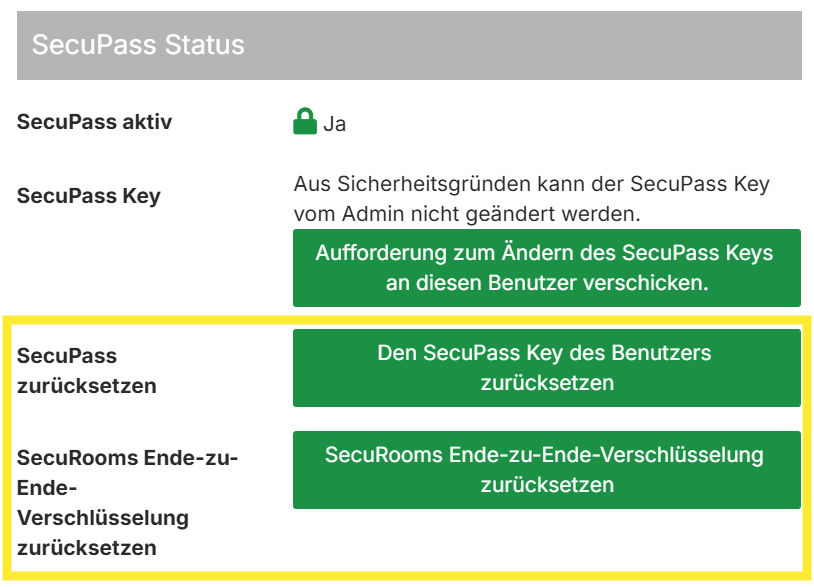
Administration > Users > Select user XY - In the
SecuPass statussection, click the following button:Reset SecuPass*- or
Reset SecuRooms end-to-end encryption*
- Confirm afterwards
* depending on the user's license scope, one or both of the options listed in point 2 will be available.
SecuMails: Deliveries with security level 3 and 4
For users with a license for SecuMails, resetting the SecuPass has the following consequences:
Sent deliveries
The recipient can still download the data. The delivery cannot be sent to further recipients.
Received deliveries
The data can no longer be downloaded by the user and must be sent again by the sender.
SecuRooms: Data rooms with end-to-end encryption
For users with a license for SecuRooms, resetting the end-to-end encryption has the following consequences:
Data rooms with end-to-end encryption are still visible to the user, however, the user can no longer access the files in the data room. Files that were uploaded by the user in the end-to-end encrypted data room remain in the data room and can still be viewed by other users with access authorization.
To regain access to the data room and the files, the user must reactivate end-to-end encryption for SecuRooms and a data room administrator must subsequently grant access to the data room for the user again.
Note: Data in end-to-end encrypted data rooms to which only this user has access is irretrievably lost.