
Encryption with communication partners via domain certificate (domain-to-user)
Domain encryption differs from transport encryption (TLS). TLS protects the connection between mail servers, while S/MIME protects the message content end-to-end.
Subject lines, headers, and some metadata may remain visible depending on gateway settings and standards; generally, only the message body and attachments are encrypted. It is therefore recommended to use TLS in addition.
Tip: You can also use a self-signed certificate for encryption between domains.
Domain encryption offers several advantages over user-based encryption (user-to-user):
- Simplified management: No need to manage certificates or keys for every individual user.
- Transparency: Encryption and decryption occur automatically at the gateway level without requiring end-user intervention.
- Seamless forwarding: Forwarded emails can be decrypted without issues.
- Efficiency: Processing is faster for emails with multiple recipients, as only a single key is required for decryption.
Setting up S/MIME domain encryption
To enable secure connections, please import the external organization's domain certificate into the gateway.
Follow these steps for configuration:
- Import the domain certificate of the external organization.
- Ensure that the domain certificate is valid. If the certificate is self-signed, you must add it to the Certificate Trust List (CTL) so that it is recognized as valid.
- Create a domain object for the external domain (Domains -> Actions -> "Add domain").
- On the domain settings page, open the "S/MIME" -> "Encryption" tab, select the certificate to be used for this domain, and save the settings.
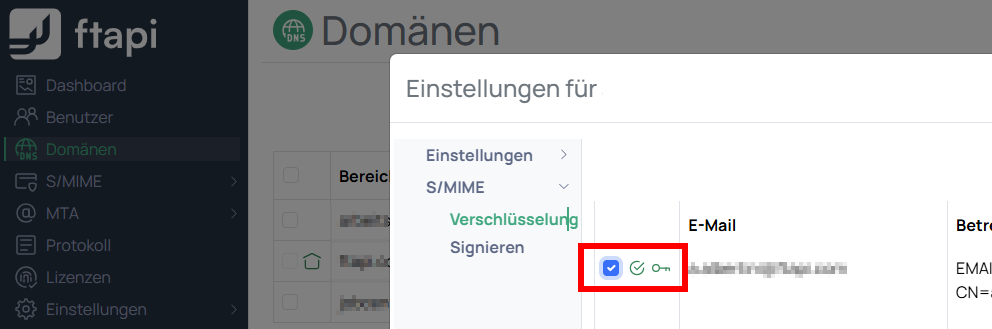
When an email is now sent to an external domain and encryption is required, the message will be encrypted using that domain's S/MIME certificate.