
📋 User Management: Setting a password for "unregistered" users
The problem: Password cannot be reset by the user
When attempting to reset the password via the "Forgot password?" link, the user receives an error message:
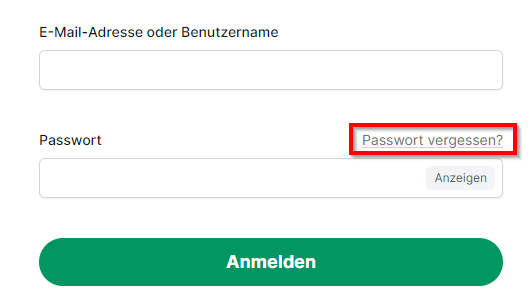
A user account is automatically created by the system upon delivery. No registration is necessary to retrieve a level 1 delivery, so the account remains in the "unregistered" status.
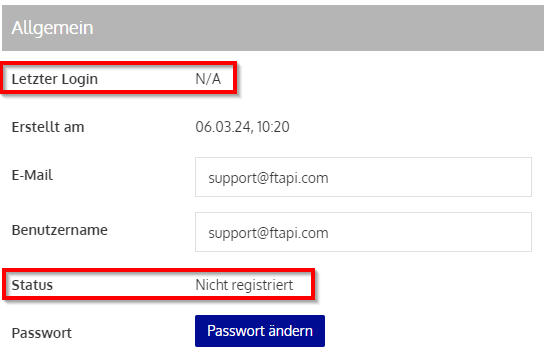
If an attempt is now made to set a password via the "Forgot password?" link, the user receives the error message shown above.
Setting a user password
With an administrative account, a new password can be assigned for the user. The status changes to "Registered" after a password has been set.
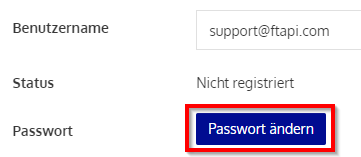
You can now transmit the new password to the user, or additionally activate the "Send access data" button. The user will then receive an email notification with which the password can be changed independently.

Alternatively, the "Forgot password?" link can now also be used by the user.
For SAML and LDAP accounts, it is not possible to create a new password via the "Forgot password?" link, as the FTAPI server does not store the passwords. These are managed exclusively in your domain.